Workspace Security
Part of Coworking privacy and information security
Choosing storage for sensitive business materials
Choose physical and digital storage for sensitive materials in coworking by checking access, recovery and end-of-use handling.
Choose storage by the material, who needs it and how long it must be kept. In a coworking space, decide separately where paper, devices and digital files will live. A lockable cupboard, laptop drive and cloud folder solve different problems; each needs its own access and recovery plan.
Sort materials by use and exposure
List records the team brings or creates on site: contracts, customer files, staff papers, laptops, removable drives and meeting notes. For each group, record who may use it, whether it stays overnight, how it moves between people and when it should be removed or disposed of.
| Material | Storage question |
|---|---|
| Working paper | Can it be secured between uses and collected before the desk is vacated? |
| Archived paper | Is on-site storage necessary, or should it stay in an approved records location? |
| Laptop or drive | Is it protected if lost, stolen or left behind? |
| Shared digital file | Who can open, change, download and delete it? |
| Backup | Can an authorised person restore the needed version after loss or deletion? |
Avoid extra copies made only for convenience. For a document needed at one meeting, decide how it arrives, who controls it during the meeting and where it goes afterwards.
Inspect physical storage
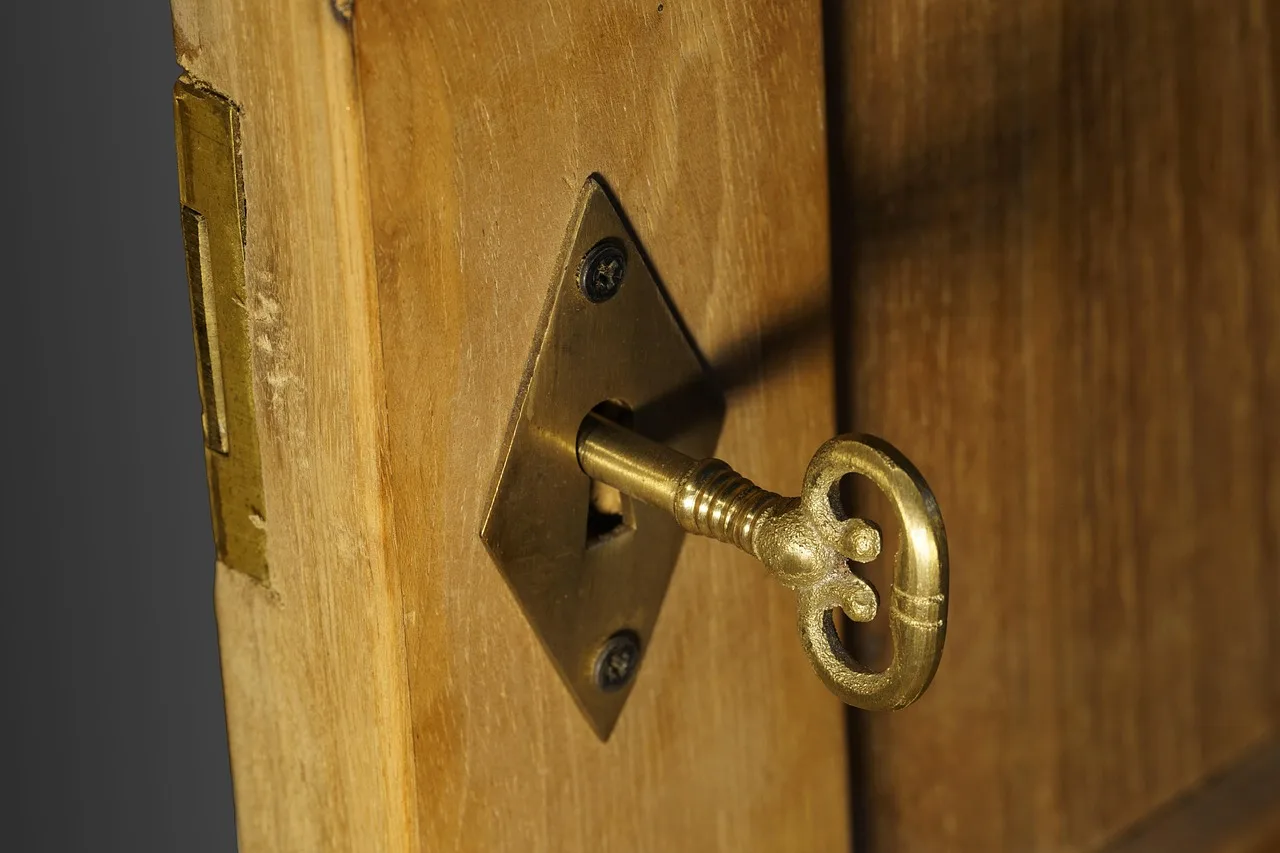
For a locker, cabinet or private room, ask who can open it: team members, operator staff, cleaners, maintenance workers and anyone with an override key. Check access outside staffed hours and what happens when a key or code is lost.
Assign responsibility for removing materials when the membership ends. A lock may reduce casual access, but suitability depends on the material and the full access arrangement.
If secure on-site storage is unavailable, bring only what is needed and return it to an approved location after use.
Check digital access and recovery
Use an organisation-approved file service with access limited to those who need the material. Check how accounts are removed when someone leaves, how files are shared externally and whether local downloads are allowed. Protect devices holding customer data under the organisation’s encryption and update rules.
Cloud storage still requires decisions about access, configuration and backups. Ask whether backup is included or optional, who can delete it, which versions can be recovered and who performs a restore. Keep a separate plan for paper originals that cannot be recreated from a digital copy.
Set a clear end point
Assign an owner for retention and disposal. Australian Privacy Principle 11 requires an entity covered by the Privacy Act to take reasonable steps to secure personal information it holds. Subject to exceptions, it also requires reasonable steps to destroy or de-identify that information once it is no longer needed for a purpose permitted under the Principles.
The destruction requirement does not apply where the personal information is contained in a Commonwealth record or where the entity is required by or under an Australian law or a court or tribunal order to retain the information. Privacy Act coverage and other record-keeping duties must be checked for the particular business and material.
The chosen setup should let authorised people find material when needed, limit routine access by others and provide a clear process when the team moves or the membership ends.
Key Compliance Facts for Storage of Sensitive Business Information
- Privacy Act CoverageApplies to organisations handling personal information in Australia
- APPR 11 RequirementReasonable steps to destroy or de-identify personal information when no longer needed
- Retention ExceptionsDoes not apply if information is in a Commonwealth record or legally required to be retained