Workspace Security
Part of Coworking privacy and information security
Handling confidential calls in shared offices: a procedure
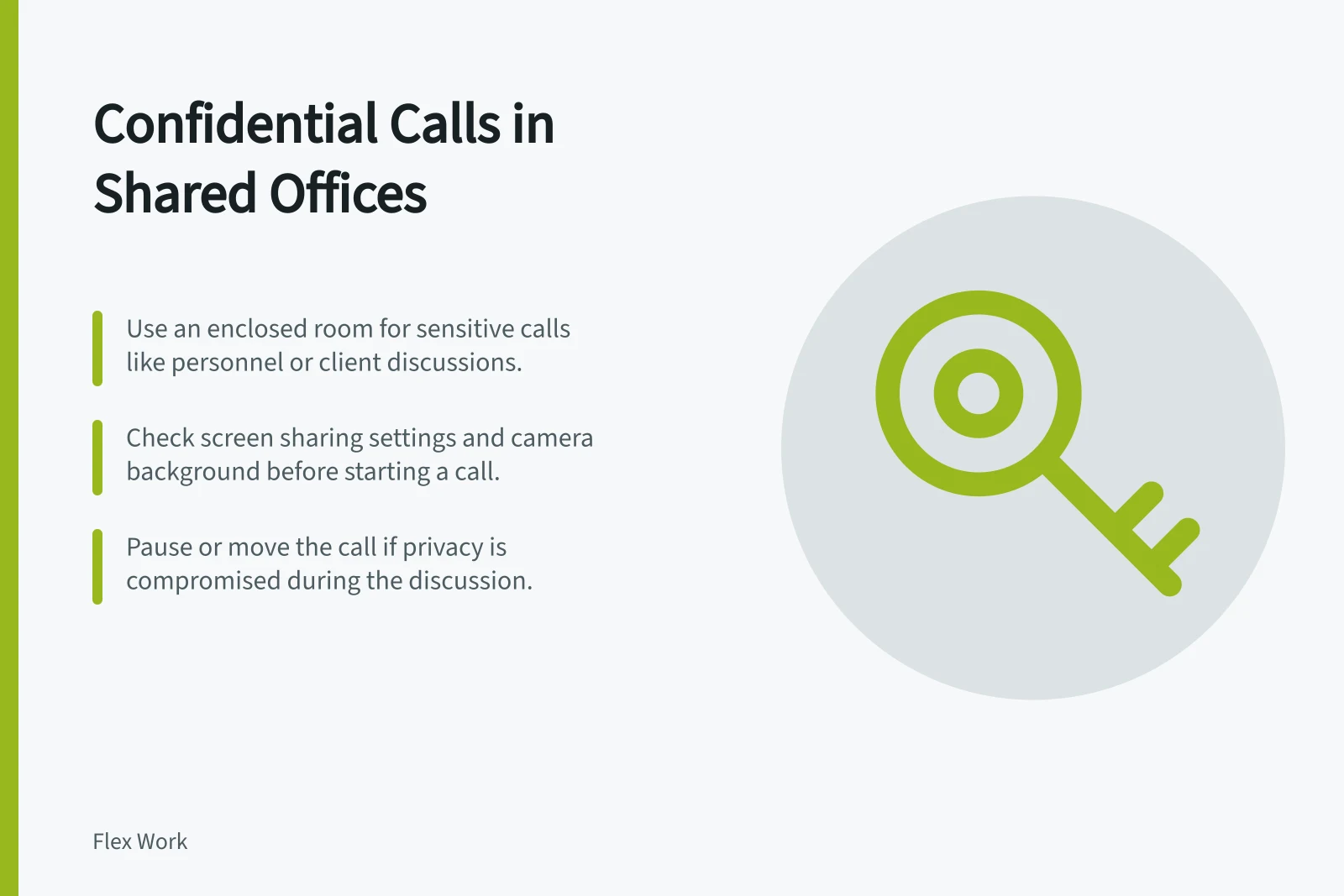
Decide where to take confidential calls in a shared office, secure the meeting setup and plan a fallback when privacy is inadequate.
Before the call, choose a suitable place and prepare the meeting. During it, check that privacy holds and pause if it changes; afterwards, collect notes and close shared screens. Headphones limit what nearby people hear from the call, but do not stop them hearing your side.
Using Headphones for Confidential Calls
- ProsReduces audible leakage of your side of the conversation to nearby people.
- ConsDoes not prevent others from hearing your voice if they are close by; does not block visual exposure.
Choose the setting before the call
Identify what may be discussed and who is authorised to hear it. A routine scheduling call may suit a shared desk; a personnel, client or negotiation call may need an enclosed room. Use a phone booth only if its sound isolation, availability and permitted use fit the conversation.
Allow time to enter, set up and leave without continuing the discussion in a corridor. Check whether voices carry to adjacent work areas and whether people can see a whiteboard, paper or screen through glass. If the room does not meet the need, use another approved setting or defer the sensitive discussion.
Appropriate Settings for Confidential Calls
- Shared Desk
- Suitable for routine scheduling calls only; not for sensitive topics.
- Enclosed Room
- Recommended for personnel, client or negotiation discussions; ensure sound isolation and privacy.
- Phone Booth
- Only if soundproofing, availability, and usage policy allow for sensitive conversations.
Prepare the online meeting
Use the organisation’s approved calling service and send access details through its intended channel. Microsoft Teams is one example of a platform for voice and video calls, meetings, chat and file sharing; check that your organisation approves it for confidential calls. Check the participant list and resolve any unknown attendee before discussing sensitive matters.
At the start of the call, confirm who is present. If screen sharing is needed, select the relevant application or window rather than the whole desktop. Check the camera background for documents or names that should stay out of view.
Decide whether recording or transcription is appropriate under your organisation’s rules, who may start it and where any resulting file will go. Tell participants what is proposed before it begins. The availability of a tool feature does not make its use suitable for every conversation.
Pre-Call Preparation Checklist
- Use organisation-approved calling servicee.g., Microsoft Teams — verify approval status for confidential use.
- Verify participant listRemove unknown attendees before discussing sensitive matters.
- Limit screen sharingShare only selected application or window, not entire desktop.
- Check camera backgroundEnsure no documents, names or sensitive info are visible.
- Confirm recording/transcription rulesNotify participants; store files per organisational policy.
Use a clear fallback
Monitor privacy while you speak. If someone enters, voices carry or a screen becomes visible, pause the sensitive discussion and change settings or move to another suitable place.
- Suitable private room available:check the door, sightlines and meeting participants before starting.
- No suitable room:defer the sensitive part, use another approved location or switch to an approved written channel.
- Unexpected exposure:pause or move the call, then report a material disclosure through the organisation’s incident route.
If an ordinary call becomes sensitive, stop before discussing the new subject and change settings. If no suitable setting is available, move or defer the discussion. Resolve an unknown attendee before continuing with sensitive matters.
After the call, collect notes, close shared screens and leave the room ready for its next user. Staff should know who can decide that a conversation is too sensitive for the space.
Under the Privacy Act 1988, entities covered by the Notifiable Data Breaches scheme must notify affected individuals and the Commissioner about an eligible breach likely to cause serious harm. The OAIC’s guidance covers assessment of suspected breaches and notification.