
Facilities
Part of Coworking facilities
Evaluating meeting rooms before choosing a space
Check a coworking meeting room against real meetings: layout, visitor route, call equipment, speech privacy and availability.
Evaluate a coworking meeting room against a meeting your team actually holds. Check the exact room, the time you need it, who must enter and the equipment they will use. A room that looks large enough on a tour may still be awkward for a client discussion or a call with remote participants.
Start with the meeting
List a few recurring meeting types: team discussion, client presentation, hybrid call. For each, note the usual group size, duration, equipment, visitor needs and whether the discussion must stay out of earshot. Use the same scenarios at each site.
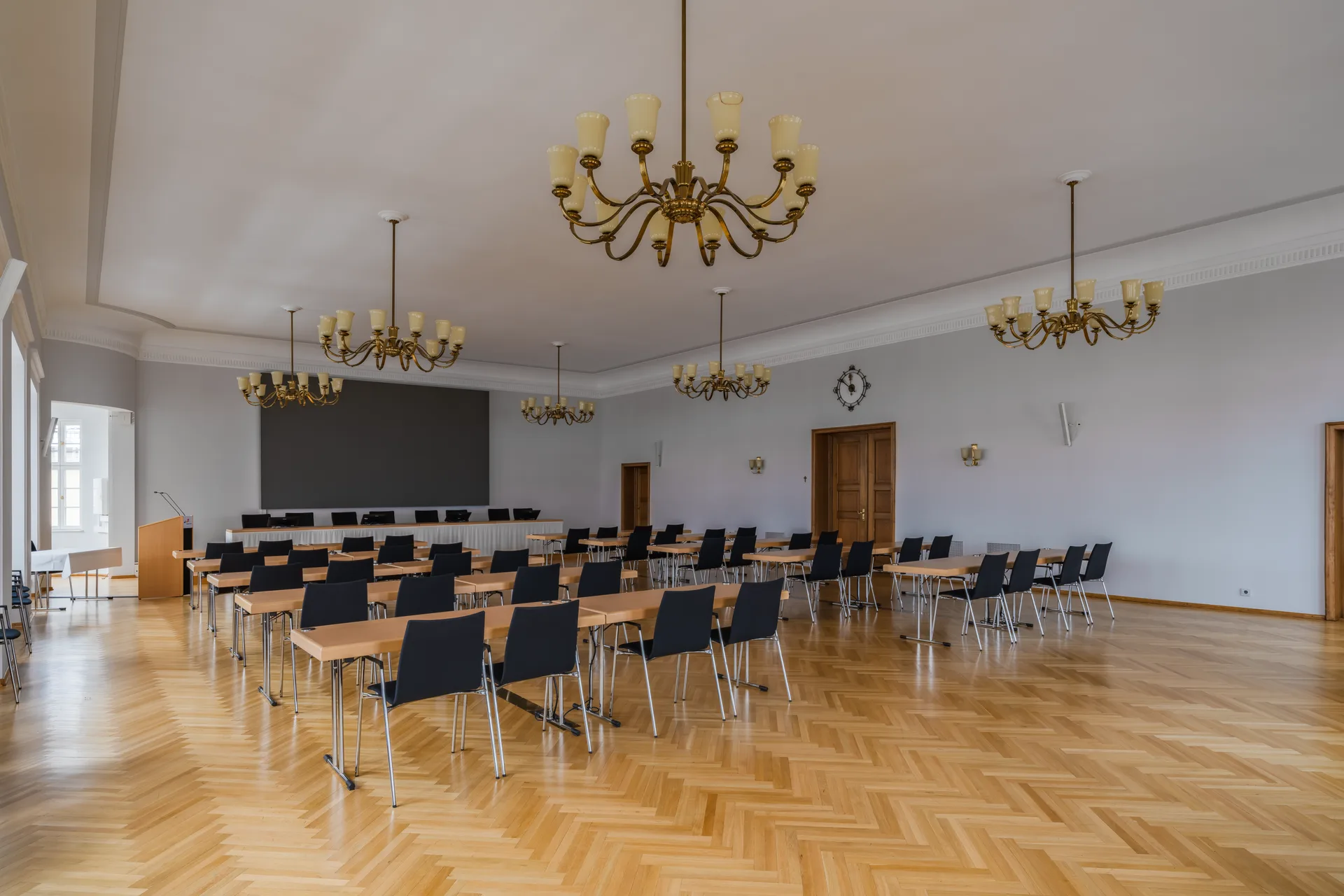
Inspect the room with its normal furniture in place. Can everyone sit, see and speak comfortably? Is there room to enter and move around when seats are occupied? Check the visitor route and ask about arrangements for any specific access need. Advertised capacity alone does not answer these questions.
Check lighting, glare, temperature and airflow during the visit. If the room feels uncomfortable with only a few people inside, ask how conditions are managed when it is full.
Rehearse the meeting setup
With the operator's permission, run a short rehearsal using the equipment your team would normally bring. Check power outlets, display connection, camera position, microphones and speakers. Ask a remote participant whether they can see and hear the people in the room. Use a test call and sample material rather than confidential work.
Close the door and ask a colleague outside whether ordinary speech is intelligible. Check what people inside can hear from the corridor or adjacent space. This is a practical screen for your intended use, not an acoustic assessment.
Meeting Room Setup vs. Real-World Use
- Remote participant audio clarity
- Clear with no echo during test call
- Speech privacy (door closed)
- Ordinary speech audible from corridor – not confidential
Room Performance Metrics
- Airflow quality (measured)
- Good (no stagnant air detected)
- Lighting glare (on screen)
- Minimal when blinds adjusted
Confirm availability and use rights
Ask to see availability on the days and at the times your meetings normally occur. Confirm which rooms the proposed membership may book, how far ahead, for how long and what happens if equipment fails or a booking runs over. An opening on the tour date does not establish access on your regular team day.
| Record for each room | Answer to keep |
|---|---|
| Meeting fit | Which recurring meetings can it support? |
| Practical setup | What worked in the rehearsal, and what remains untested? |
| Availability | Can it be reserved at the times that matter? |
| Visitors | How do guests enter and reach it? |
| Fallback | What can the team use if the room or equipment fails? |
If you would depend on another room, an adapter or a promised repair, confirm that arrangement before relying on it.